On this page
- Weekly meetings that ran on chaos
- One board that keeps the meeting on track
- An app that remembers every conversation
- Smooth operations across the company
- Becoming the company’s monday.com expert
- Takeaways for small teams on monday.com
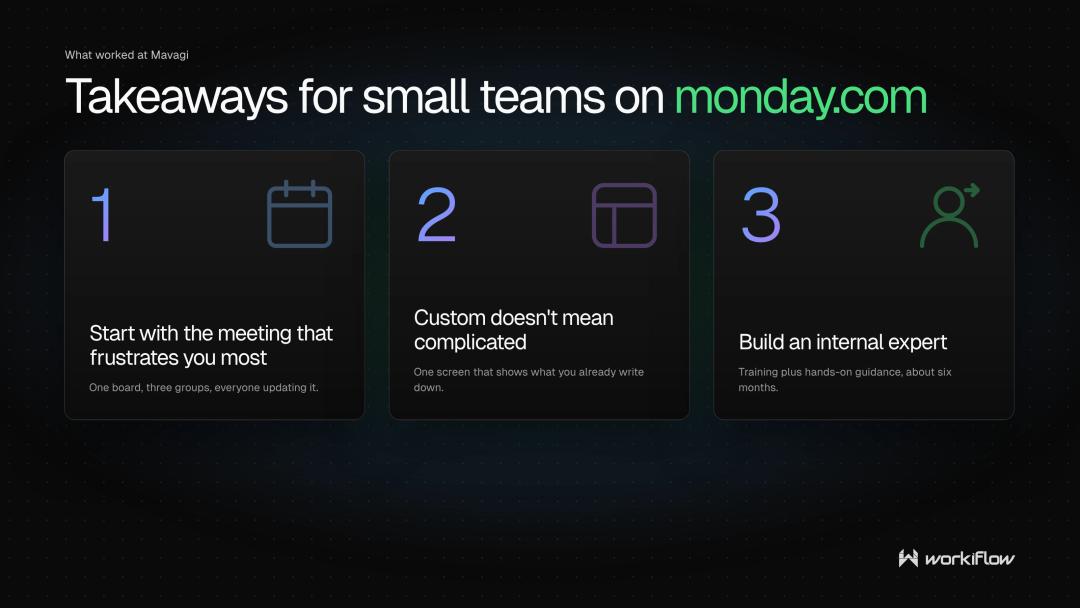
- Start with the meeting that frustrates you most.
- Custom doesn’t mean complicated.
- Build an internal expert.
- Frequently asked questions
- Ready to get organized?
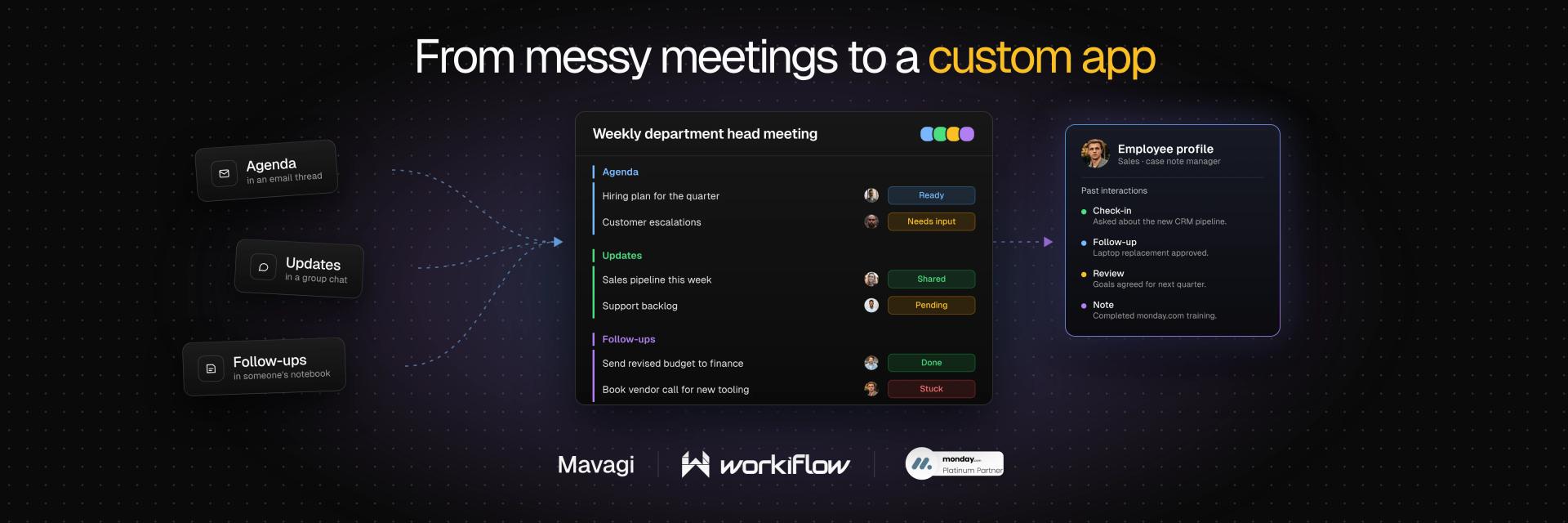
During Elevate 2026 we talked with Jaime Vicencio from Mavagi, and he shared with us what six months with Workiflow changed.
Mavagi is a small company that was new to monday.com and struggling with chaotic weekly department head meetings. Workiflow, a monday.com Platinum Partner, built a clean meeting board and a custom app that gives the case note manager an instant profile for every employee.
Weekly meetings that ran on chaos
Each week, Mavagi’s department heads sit down for their meeting. And every time, that meeting was a mess.
No single place held the agenda, the needed updates, or the follow-ups. Information was scattered, and checking in on what actually mattered took more work than it should have. For a small company, that kind of friction adds up quickly.
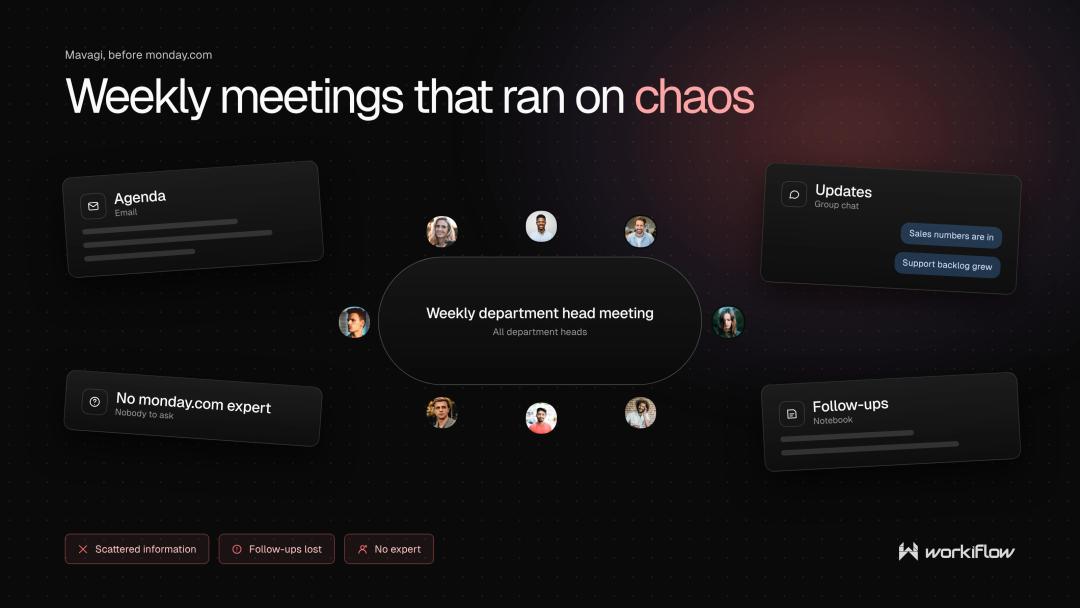
There was a second challenge too. The team had only been using monday.com for about a year, and the platform felt daunting at first. Most of what they knew came from training videos and a small amount of peer training, with no internal experts to lean on.
One board that keeps the meeting on track
We helped Mavagi build a board that gives the weekly department head meeting a home. Everything lives in one spot, so checking in is simple and the department heads can easily get the information they need.
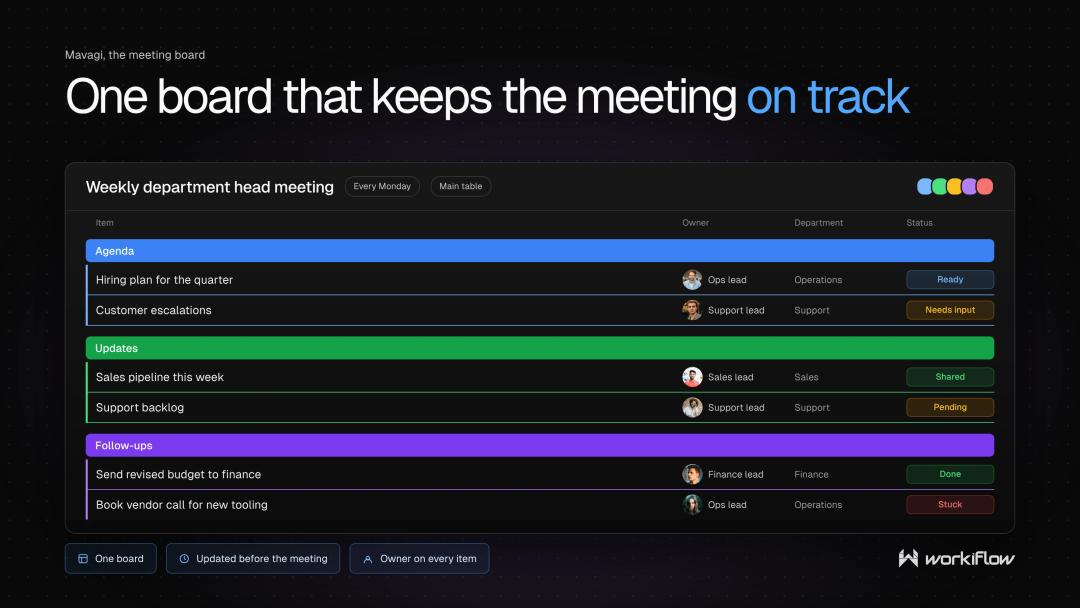
You don’t need to build a rocket ship to fix a meeting. It’s a place for the agenda, the updates, and the follow-ups, and that was enough to make the weekly meeting run the way it should.
An app that remembers every conversation
The bigger project was an app for Mavagi’s case note manager. Their job involves regularly checking in with employees. The challenge was keeping track of all those updates as they accumulate over time.
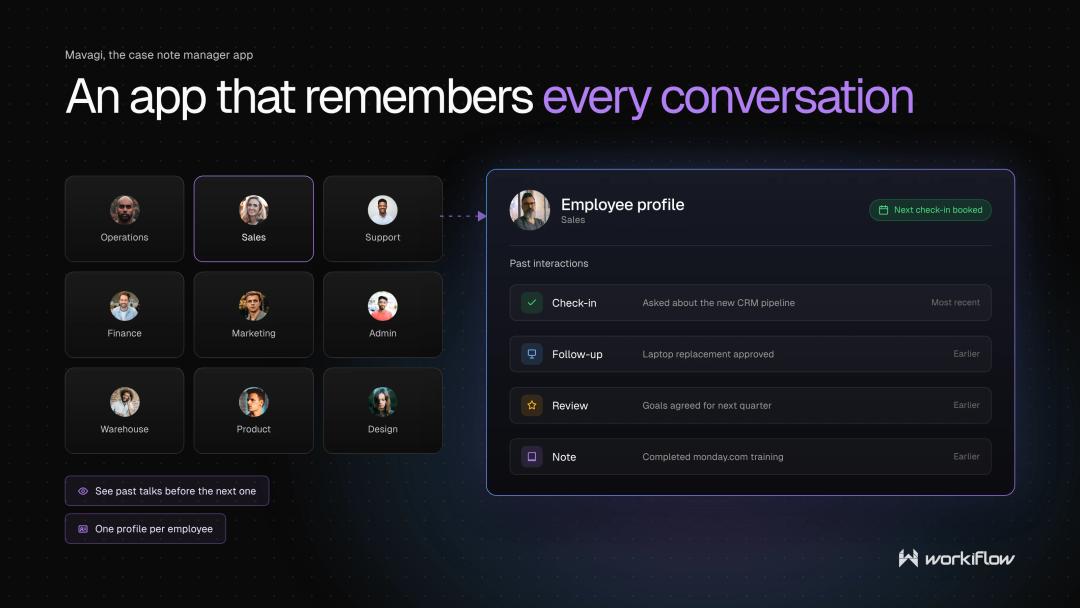
So we built Mavagi, an app that creates a profile for every employee. Click into a profile, and past interactions are right there. No digging through old notes, no relying on memory. Before the next check-in even starts, their case note manager can see what’s already been discussed.
Smooth operations across the company
Together these builds made the whole company run cleaner and more organized. Employee history is easy to find and day-to-day operations feel less bumpy because the information people need is in a centralized space.
Becoming the company’s monday.com expert
One of the most meaningful outcomes wasn’t a board or an app. It was a person. Jaime Vicencio, our contact at Mavagi, describes themselves as naturally disorganized, which makes the story a little funny: Jaime ended up as the company’s subject matter expert on a platform built entirely around organization. The learning came from a mix of monday.com’s own training resources and hands-on guidance from the Workiflow team.
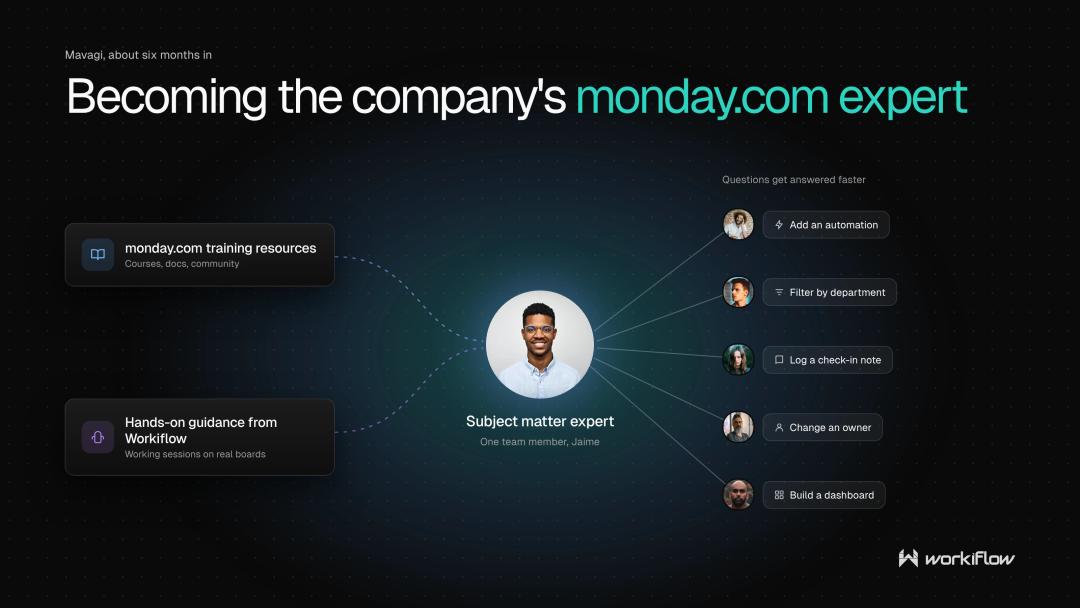
In a small company, having a subject matter expert makes a real difference. When one person knows the platform inside and out, everyone else benefits. Questions get answered faster, new ideas get built sooner, and the investment keeps paying off long after the project wraps.
Takeaways for small teams on monday.com
Start with the meeting that frustrates you most.
A single well-built board can calm a recurring headache and show your team what the platform can do.
Custom doesn’t mean complicated.
A simple profile-based app can save a manager real time and make every conversation more informed.
Build an internal expert.
Pairing the right training with a partner who guides you turns one curious team member into your company’s go-to resource.
Frequently asked questions
How can monday.com help with weekly department head meetings?
A dedicated monday.com board gives meetings one organized home for agendas, updates, and check-ins. For Mavagi, that replaced a messy process with a system that’s easier to follow and maintain.
What is the employee profile app Workiflow built for Mavagi?
It’s a custom monday.com app for Mavagi’s case note manager. It creates a profile for each employee, so past interactions are easy to find before each check-in.
Is monday.com a good fit for small companies?
Yes. Mavagi is a very small company, and their team recommends monday.com for businesses of any size. The platform’s structure helps small teams stay organized without adding complexity.
How long did it take to become comfortable with monday.com?
The team had been on monday.com for about a year, and the first stretch felt daunting. After about six months working with Workiflow alongside monday.com’s training videos, one team member became the company’s subject matter expert.
Do you need technical skills to become a monday.com expert?
No. Our contact at Mavagi described themselves as a disorganized person and still became the company’s go-to expert through training and guidance.
Ready to get organized?
Whether you’re running a small team or a large one, the question isn’t whether this applies to your business. It’s where you want to start.
Tell us what’s messy right now. We’ll show you how it could look in monday.com.
Workiflow is a monday.com Platinum Partner and CRM Specialist, and has worked with 750+ clients across industries.