On this page
- What changed, and why does it matter?
- Is monday sidekick the same thing as monday MCP?
- Which automation verbs can an external agent use?
- Are automations and workflows the same thing here?
- Why does monday's own help centre suggest this is impossible?
- Can any external AI agent do this?
- What does this cost, and which meter does it spend?
- What will an admin be able to see afterwards?
- Is Bring Your Own Agent the better route?
- Frequently asked questions
If you have built automations in monday.com, you already know which ones matter and which board each one lives on. The question now is whether you can reach them from outside monday, from the AI assistant where you already work, and get a straight answer about what that assistant may and may not do.
What changed, and why does it matter?
monday's What's New page, dated 8 July 2026, carries an entry titled "Manage Automations via Sidekick and MCP from anywhere". It lists creating, reading, deleting and disabling automations from an agent, with no interface needed.
The same page carries a later MCP entry, dated 15 July 2026, for an MCP Block that lets a workflow call out to third-party servers. Different direction, and it changes nothing here.
The better detail sits in the developer reference for create_automation. monday says automations are managed mainly through its interface or through MCP, and that there is no direct public GraphQL equivalent. Elsewhere monday calls its MCP server a wrapper around the monday.com Platform API. For creating an automation it wraps nothing. It is the only programmatic route monday publishes.
Is monday sidekick the same thing as monday MCP?
No, and keeping them apart saves confusion.
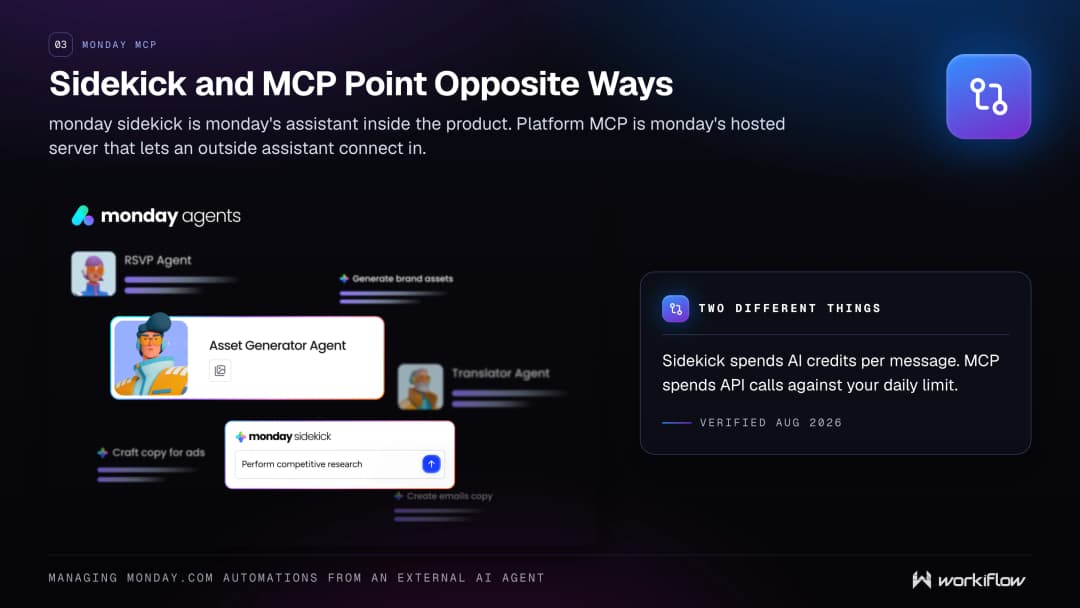
monday sidekick is monday's own assistant inside the product, described as a context-aware AI assistant built directly into monday.com that understands your work. monday's own prose mixes lower case and capitalised forms, and the left pane label is "AI Sidekick".
monday MCP points the other way. The Model Context Protocol is an open standard for connecting AI assistants to outside tools and data. monday MCP, called Platform MCP on the developer site, is monday's hosted server implementing it. monday ships two MCP products, platform and apps; this post is about platform MCP.
Which automation verbs can an external agent use?
monday's developer changelog gives the ship dates: list_automations and manage_automations on 21 May 2026, create_automation on 25 May 2026. The reference pages carry a later documentation date, 11 June 2026, which is not a ship date.
monday's own announcement names four of these verbs and omits enable.
| What you want | Tool | Status as of 24 August 2026 |
|---|---|---|
| Read the automations on a board | list_automations | Yes |
| Create a new automation | create_automation | Yes |
| Enable a paused automation | manage_automations, activate | Yes |
| Pause an automation | manage_automations, deactivate | Yes |
| Delete an automation | manage_automations, delete | Yes, permanent and irreversible |
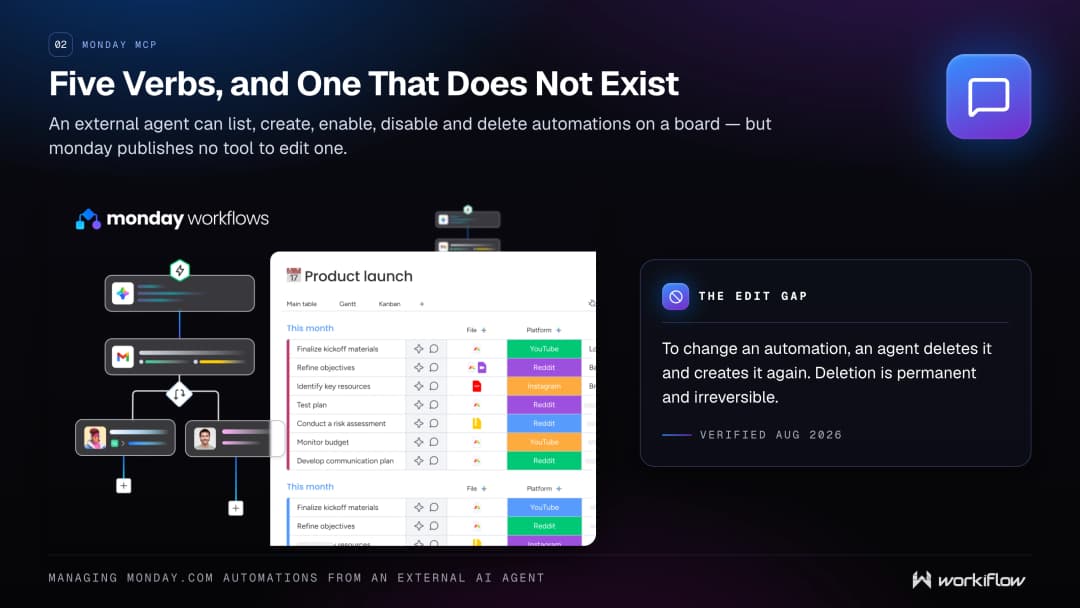
| Edit an existing automation | none | No tool exists |
Reading is per board. list_automations needs a board ID, so there is no account-wide listing, and monday notes some legacy automations may not appear.
Creating is conversational. You describe intent in natural language: one trigger, optional conditions, one or more actions, no branching. If a detail is missing the tool asks for clarification first.
Deleting is permanent, and monday's own instruction to the agent is to prefer deactivate when intent is ambiguous.
Editing is the gap, and the absence is proved rather than merely unfound. monday's complete API reference documentation index lists exactly three automation pages: list, manage and create. The action enum on manage_automations is exhaustively activate, deactivate and delete. monday's developer changelog lists all seven workflow and automation tools with ship dates and no editing tool. To change an automation, an agent deletes it and creates it again.
One caveat, and its scope matters. monday's inventory page says the workflow, automation, agent and asset-upload tools run against its dev preview API schema and are subject to change. Some individual tool pages repeat that, and the pages for create_automation and list_automations do not.
Are automations and workflows the same thing here?
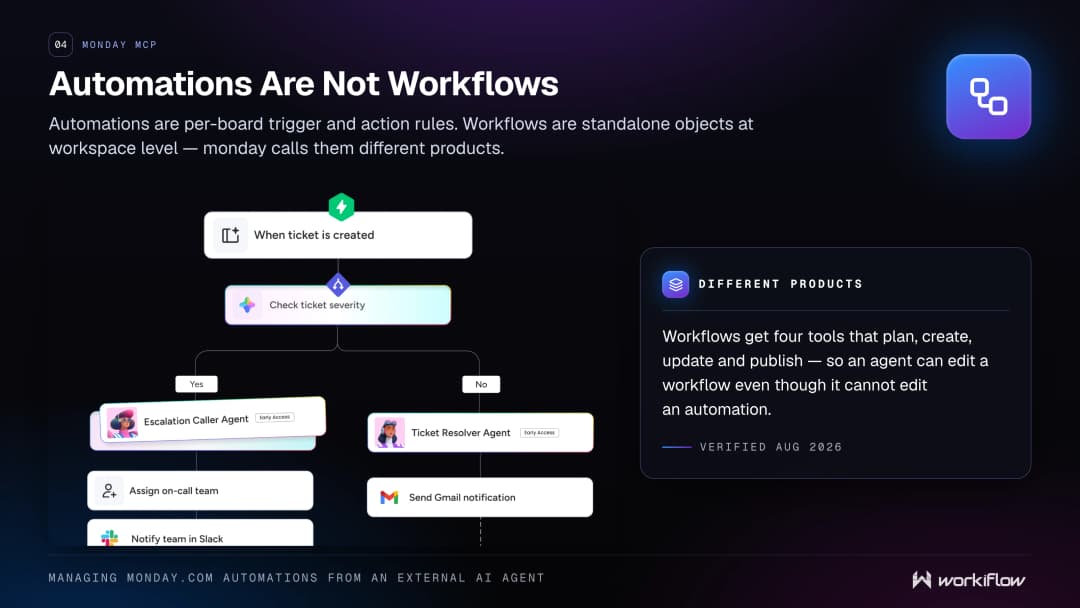
They are not, and monday says so in its own docs. Automations are per board trigger and action rules that run on a single board. Workflows are standalone objects at workspace level. monday's words: they are different products.
The tool sets differ in your favour. Workflows get four tools that plan, create, update and publish, so an agent can edit a workflow even though it cannot edit an automation. Changes apply to a draft, and monday states the workflow runs only once published.
Why does monday's own help centre suggest this is impossible?
Because it has not caught up yet. monday's support article "monday MCP available tools" lists 43 tools and none of them are automation or workflow tools. Its last content edit was 19 May 2026, and the earliest automation tool shipped on 21 May 2026, so the article predates the tools by days. The developer reference lists 64 tools across 15 categories, including all seven workflow and automation ones. Use the developer reference for this topic.
Can any external AI agent do this?
Almost, with two qualifications.
monday's developer documentation names ten featured clients, with Claude first, alongside ChatGPT, Cursor, Microsoft Copilot, Microsoft Copilot Studio, Gemini CLI, Gemini Enterprise, Mistral, Perplexity and Figma Make. The server URL is https://mcp.monday.com/mcp. monday says the list is updated as new clients are verified and approved, and a developer must register an integration to publish one.
The second is your admin. Only account admins can change MCP and AI connector permissions. A master toggle stops all external AI agent access at once, and a "Public Hosted MCP" sub-permission covers every agent connecting through the hosted server, a list monday says includes Claude, ChatGPT, Cursor, GitHub Copilot, Notion and Perplexity, among others. monday says nobody can bypass those account-level permissions. You do not need to install anything. monday states that MCP comes preinstalled on every monday.com account.
The AI Connectors section sits inside that tab, so check your own admin panel.
What does this cost, and which meter does it spend?
Three meters, and they get conflated constantly.
monday MCP does not consume AI credits. monday's AI Feature Catalog says so. Every MCP tool call executes as a GraphQL API request against your daily API limit, which is 1,000 on Free, Standard and Basic, 10,000 on Pro and 25,000 on Enterprise, the last two marked as soft limits.
One plan condition bounds all of this. monday MCP is on all plans, but monday also states that automations and integrations are only available on the Standard plan and up. On Free or Basic there are no automations for an agent to manage.
Automation actions are a separate meter. monday's pricing article for automations and integrations gives the monthly allowance per plan: 250 on Standard, 25,000 on Pro and 250,000 on Enterprise. A second article, edited 23 August 2026, prints the Pro figure again and notes that overages are deducted from the next month.
And monday sidekick does consume AI credits, since 27 July 2026, per message and banded by task complexity. Driving monday from an outside agent spends API calls. Working inside monday with sidekick spends credits.
What will an admin be able to see afterwards?
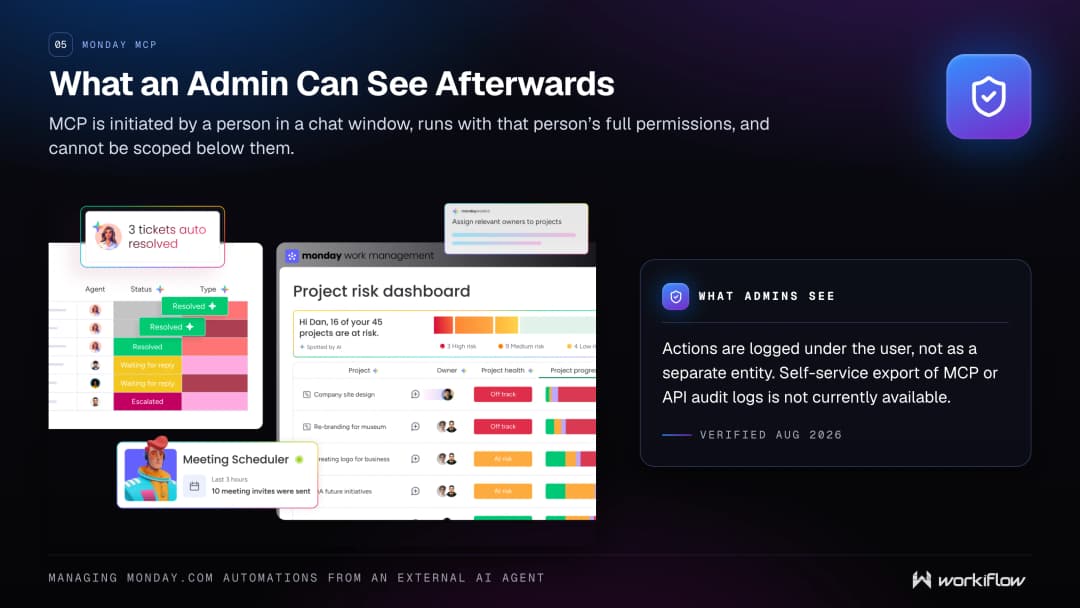
Raise this with IT early, because monday is candid about it. monday describes MCP as initiated by a person in a chat window, running with that person's full permissions, and says access cannot be scoped down below what that user already has. Actions are logged under the user who initiated them, not as a separate entity. monday adds that MCP is best suited to technical users performing ad hoc queries.
Authorisation is solid. Each user authorises through OAuth, and monday says no elevated or shared service account bypasses user-level access control. One scoping control is worth using: an admin can restrict MCP to named workspaces.
On auditing, monday's Platform MCP security page says self-service export of detailed MCP or API audit logs is not currently available. Separately, monday's AI Permissions and Governance article says an admin can review AI credit consumption per feature and per user.
Is Bring Your Own Agent the better route?
Sometimes, and it answers the attribution question directly. monday labels Bring Your Own Agent as Beta, as of 24 August 2026. It connects an agent built on an external platform into monday, where monday says it becomes a full entity in the system. Providers in monday's list include Anthropic Claude Managed Agents, Microsoft Copilot Studio, OpenAI and custom agents on your own stack.
The permission model is the reverse of MCP's. External agents follow an allowlist, and monday says a connected agent has no access to any content by default, with nothing inherited from any user's permissions. Every action is logged under the agent's own name.
So MCP is where the automation verbs live, suited to a person in a chat window. Bring Your Own Agent is where separate identity and per-agent attribution live, and it is in Beta.
Frequently asked questions
Can an external AI agent edit an existing monday.com automation?
No. As of 24 August 2026 monday publishes no tool that edits an existing automation. To change one, an agent deletes it and creates a new one. Workflows do have an update tool.
Do I need to install monday MCP from the marketplace?
No. monday's FAQ answers this: MCP comes preinstalled on every monday.com account. The marketplace listing exists for discoverability and documentation, but no installation step is required.
Does managing automations through monday MCP use AI credits?
No. monday's AI Feature Catalog states that monday MCP does not consume AI credits and that connecting via MCP uses API calls counting toward your account's API limit. monday sidekick does consume credits.
Which monday.com plans include monday MCP?
monday states that MCP is available on all monday.com plans at no additional cost. Note the pairing: monday also states that automations and integrations are only available on the Standard plan and up.
Is monday MCP the same as monday sidekick?
No. monday sidekick is monday's AI assistant inside the product. monday MCP, called Platform MCP on the developer site, is monday's hosted server that lets an outside assistant connect in through the Model Context Protocol.
What can an admin see about what an agent did through MCP?
monday logs MCP actions under the user who initiated them, not as a separate entity. Admins can review AI credit consumption per user, but monday says self-service export of detailed MCP or API audit logs is not currently available.
Is it safe to let an agent delete automations?
monday describes the delete action as permanent and irreversible, and tells the agent to prefer deactivate when a person says something ambiguous like "stop" or "turn off". Agree internally that deletion stays a human decision.